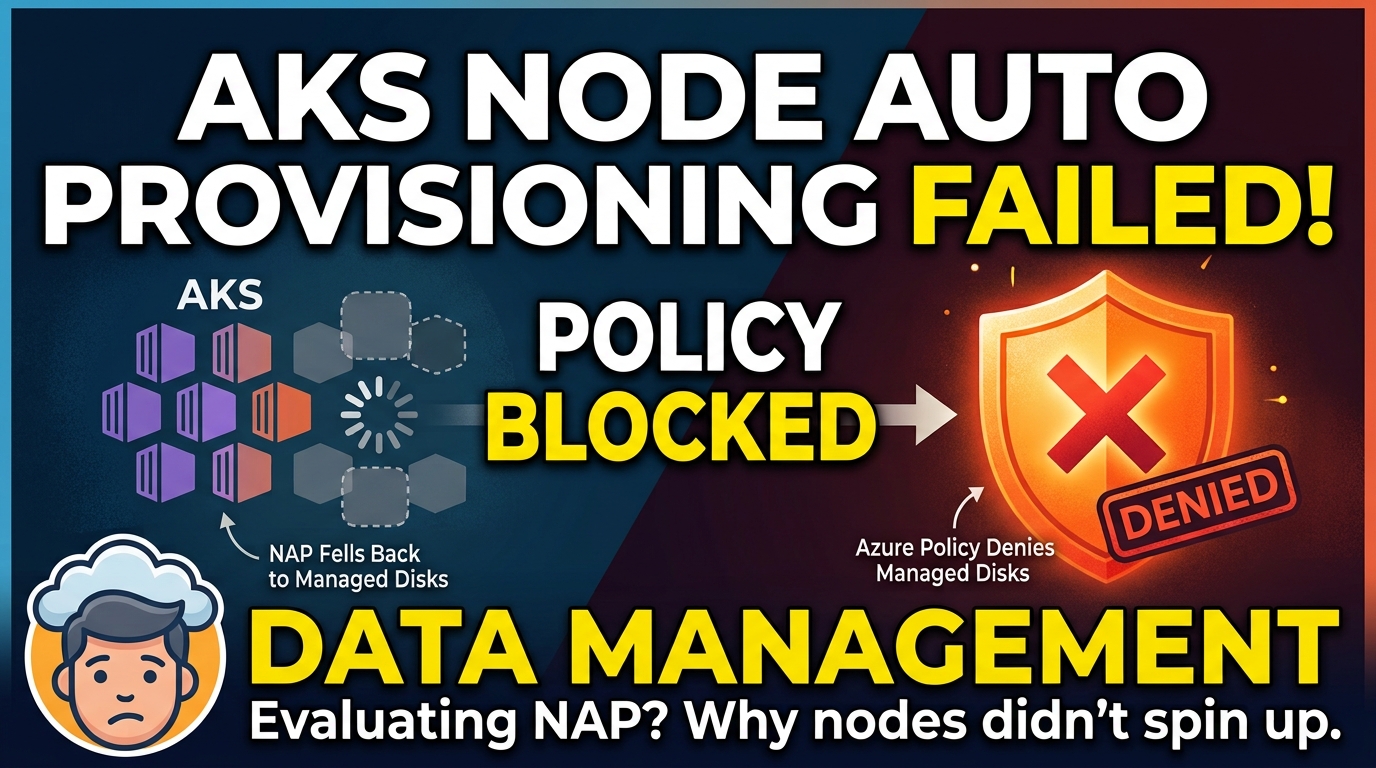

Node Auto Provisioning looks great on paper: you describe what your workloads need, and AKS picks and creates the right VMs for you. Then you try it in an environment with real governance rules, and the first thing you get is a pending pod and an event saying provisioning was blocked by a policy. This is what happened when I started evaluating NAP, and why the root cause was not the one I expected.
This is a scenario from our AKS platform evaluation work. We are looking at replacing the cluster autoscaler with NAP on our platform. This is the first surprise the test cluster gave us.
A Bit of Context
I work on a platform team that provisions and operates AKS clusters for other teams. Today all of our clusters use the cluster autoscaler with a fixed set of node pools and VM sizes we picked ahead of time. It works, but it means we spend time guessing sizes, and we end up with pools that are either too big or too fragmented.
NAP is the obvious thing to evaluate. It is built on the open-source Karpenter and the AKS Karpenter provider, and AKS deploys and manages it for you. Instead of scaling pre-defined pools, it looks at the resource requests of pending pods and creates the VM that fits them best.
There are three pieces worth knowing before we go further:
| Component | What it does |
|---|---|
NodePool | Karpenter CRD that sets constraints on the nodes NAP can create (VM families, zones, limits, disruption, taints) |
AKSNodeClass | Azure-specific settings for those nodes (image family, OS disk size, max pods, kubelet, tags and more) |
NodeClaim | Created by NAP for every node it provisions. This is what you look at when something goes wrong |
If you want the least operational work, AKS Automatic comes with NAP preconfigured. We are on AKS Standard, where you enable and configure NAP yourself, so that is what this post is about.
For the test I took an existing AKS cluster (already running the cluster autoscaler) and enabled NAP on it. I wanted to see how the two behave side by side before making any bigger decision.
A few limitations from the docs are worth checking before you try this on your cluster: NAP doesn’t support Windows node pools, IPv6 clusters, or service principals (use a system-assigned or user-assigned managed identity instead). You also can’t stop a NAP-enabled cluster or change its outbound type after creation. Azure CLI 2.76.0 or later is required.
How I Set It Up
I wanted to control everything myself, so I made a few deliberate choices:
- I did not let NAP create its default node pools. I disabled that and defined my own.
- I created two
NodePoolresources: one for system workloads and one for application workloads. - I created an
AKSNodeClassfor each of them.
Enabling NAP on the existing cluster with the default pools turned off looks like this:
az aks update \
  --resource-group <rg> \
  --name <cluster> \
  --node-provisioning-mode Auto \
  --node-provisioning-default-pools None
The --node-provisioning-default-pools flag accepts Auto (the default, which creates two standard NodePool resources for you) or None. With None you must define your own, and NAP needs at least one NodePool to work. A small warning from the docs: if you switch an existing cluster from Auto to None, the default pools are not deleted automatically, and you should have replacement capacity for critical add-ons before you remove them. For reference, the default pool is limited to on-demand Linux amd64 VMs from the D family, and there is also a system-surge pool for critical add-ons.
Every NodePool points to an AKSNodeClass through nodeClassRef. My application pair looked roughly like this:
apiVersion: karpenter.sh/v1
kind: NodePool
metadata:
  name: app
spec:
  template:
    spec:
      nodeClassRef:
        group: karpenter.azure.com
        kind: AKSNodeClass
        name: app
      requirements:
        - key: kubernetes.io/os
          operator: In
          values: ['linux']
---
apiVersion: karpenter.azure.com/v1beta1
kind: AKSNodeClass
metadata:
  name: app
spec:
  imageFamily: Ubuntu
  osDiskSizeGB: 128
I asked for a 128 GB OS disk, because that is what we use on our existing node pools. It is also the default value in AKSNodeClass (the minimum is 30 GB), so nothing unusual there.
The Day Nothing Happened
I applied both NodePool and AKSNodeClass objects, deployed a test workload, and waited for a node.
No node appeared. The pods stayed Pending.
When I looked at the events, there was a message saying node provisioning was blocked by a policy. That is a different class of problem from “no capacity” or “quota exceeded”. It means Azure Resource Manager received the request and refused it on purpose.
kubectl get pods -A --field-selector=status.phase=Pending
kubectl describe pod <pod-name>
kubectl get nodeclaims
kubectl describe nodeclaim <nodeclaim-name>
The NodeClaim is where the useful message was. NAP had decided it needed a node, asked Azure for it, and Azure said no.
In our organization we have an Azure Policy that blocks the use of managed disks. It has been in place for a long time and nobody had ever needed to think about it. At that point I only suspected it. I could not point at the exact policy, so I opened a support request with Microsoft, and together we found the policy that was affecting us.
One thing worth remembering if you go looking in the Activity Log yourself: it does not say “blocked by policy” anywhere obvious. The failed operation is simply named Create or Update Virtual Machine. It looks like a normal VM failure. You have to open that event and read its details, and only there do you see the error complaining that the disk is blocked by policy.
That was the confusing part, because I never asked for a managed disk.
Why Managed Disks Showed Up Anyway
NAP automatically selects ephemeral OS disks when they are available and suitable. An ephemeral OS disk lives on the VM host (the VM cache or the temp disk), not in Azure Storage. That means no managed disk resource is created, so I assumed the policy would never be triggered.
The AKSNodeClass documentation is clear about when NAP picks an ephemeral disk:
- The VM instance type supports ephemeral OS disks.
- The ephemeral disk capacity is greater than or equal to the requested
osDiskSizeGB. - The VM has enough ephemeral storage capacity.
If these conditions aren’t met, the docs say the system falls back to managed disks. It does not fail, and it does not warn you.
When the SKU does qualify, NAP prefers the ephemeral storage types in this order: NVMe disks, then cache disks, then resource (temp) disks. So the same 128 GB request can be ephemeral on one SKU and managed on another, depending on how much local storage that SKU has.
That is exactly what happened to me. The SKU NAP selected could not hold a 128 GB ephemeral OS disk, so it switched to a managed disk, and our policy rejected it. The full chain looked like this:
- A pod becomes unschedulable and NAP decides it needs a new node.
- NAP picks a VM SKU that matches my
NodePoolrequirements. - That SKU cannot hold a 128 GB ephemeral OS disk on the host.
- NAP falls back to a managed OS disk.
- Azure Policy denies the managed disk and the node is never created.
Nothing in my YAML said “managed disk”. It was a side effect of the SKU choice combined with the disk size.
The Fix Options
There are two ways forward, and which one makes sense depends on how your organization treats the policy.
Option 1: Allow managed disk provisioning
If the policy can be relaxed for the AKS node resource group (or for this scenario), NAP can fall back to managed disks when ephemeral is not possible. The big advantage is flexibility: NAP can choose from a much wider range of VM SKUs, including ones with little or no local storage, and it will not get stuck on a disk decision. This is closest to how NAP is meant to work.
The trade-off is that some nodes will use managed OS disks. Since the policy is there for a reason, I would only go this way with a clear agreement from the security or governance team.
Option 2: Keep the policy and force ephemeral disks in the NodePool
If the policy has to stay, tell NAP that it may only pick VM sizes that can hold an ephemeral OS disk. The docs have a selector for exactly this: karpenter.azure.com/sku-storage-ephemeralos-maxsize, the size limit for the ephemeral OS disk in GB. Add it to the NodePool requirements:
apiVersion: karpenter.sh/v1
kind: NodePool
metadata:
  name: app
spec:
  template:
    spec:
      nodeClassRef:
        group: karpenter.azure.com
        kind: AKSNodeClass
        name: app
      requirements:
        - key: karpenter.azure.com/sku-storage-ephemeralos-maxsize
          operator: Gt
          values: ['128']
With this in place, NAP only considers SKUs whose ephemeral disk is bigger than 128 GB, so the managed disk fallback never happens. Notice that Gt means strictly greater, so Gt 128 will not match a SKU with exactly 128 GB. Set the value based on your osDiskSizeGB.
The nice part is that you do not need to list individual SKUs. NAP still chooses the VM size for you, it just has a guardrail. If you have a specific requirement, for example you only want a certain VM family, combine the family selector with the ephemeral one:
      requirements:
        - key: karpenter.azure.com/sku-family
          operator: In
          values: ['D']
        - key: karpenter.azure.com/sku-storage-ephemeralos-maxsize
          operator: Gt
          values: ['128']
That keeps most of the flexibility of NAP while staying inside the policy. If you can live with a smaller OS disk, lowering osDiskSizeGB is another lever, but remember the node image and container images need room too, so don’t go too low.
I went with this option, since I want to keep the policy as it is.
What We Learned
- NAP can switch to managed disks. If a VM can’t fit the requested OS disk on its local storage, NAP may use a managed disk instead.
- Check the OS disk size and VM family. The
sku-storage-ephemeralos-maxsizerequirement keeps NAP on VM sizes with enough ephemeral disk space. You can combine it with a family requirement without naming specific SKUs. - Open the Activity Log event details. The event may be named “Create or Update Virtual Machine”; the policy error is in its details.
- Test your policies early. Find out what they block in a test cluster, before you plan a migration.
- Plan before changing an
AKSNodeClass. NAP replaces nodes when most settings change. Use disruption budgets and pod disruption budgets to help protect your workloads.
The evaluation is still going. I want to look at consolidation behavior (the default pool uses WhenEmptyOrUnderutilized), disruption budgets, and how all of that compares with what we get from the cluster autoscaler. If NAP surprises me again, I will write that one up as well.