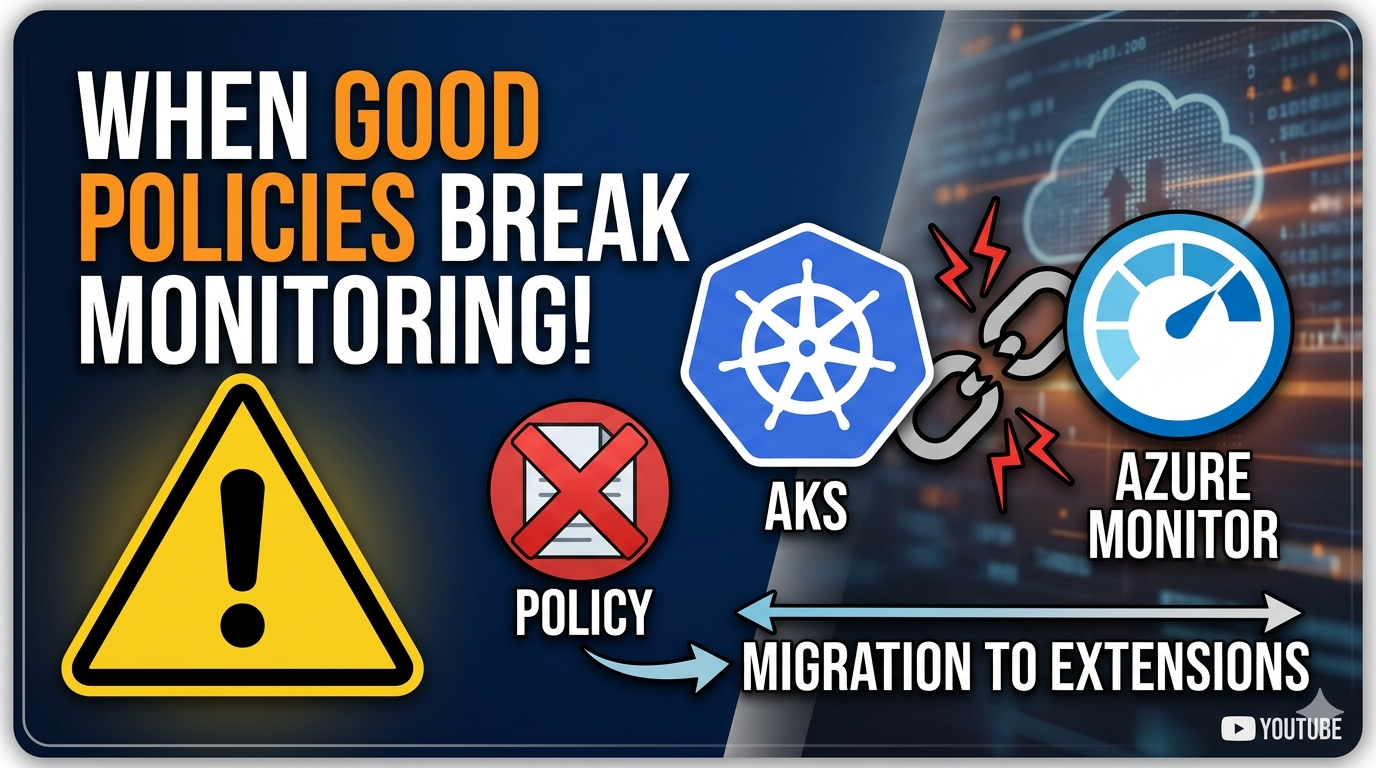

A change that Microsoft describes as nondisruptive and requiring no customer action can still silently break your AKS provisioning pipeline — if your organization has locked down AKS cluster extensions via Azure Policy. This is an incident we hit on our platform: one morning our automated AKS deployment pipeline started failing, nothing on our side had changed, and the error pointed nowhere obvious.
This is a scenario from our AKS platform team’s incident log. We run automated pipelines that provision AKS clusters across dev, test, acceptance, and production environments. This is one of the incidents those pipelines surfaced — and what we learned from it.
A Bit of Context
On our platform we enforce a strict set of Azure Policies across all subscriptions. One of those policies is a Deny effect on Microsoft.KubernetesConfiguration/extensions — AKS cluster extensions. The reasoning was straightforward: extensions introduce third-party or marketplace workloads directly into clusters, and we wanted full control over what runs there.
That policy had been in place for a while with no issues. Monitoring was handled through the Azure Monitor add-ons — Container Insights, Managed Prometheus — enabled via the AKS API and Azure CLI. Add-ons and extensions are different things in AKS, so the deny policy had never interfered.
Until it did.
The Change: Add-ons Moving to an Extension-Based Backend
Microsoft announced that Azure Monitor services — Container Insights, Managed Prometheus, and Application Insights — are transitioning to a cluster extension-based backend model.
From the official documentation:
This change updates AKS monitoring add-ons to an extension-based management model, with no change to functionality or user experience.
- This backend migration is nondisruptive and doesn’t change user experience or require customer action.
- There’s no impact to workloads, data collection, or monitoring functionality.
- Azure CLI, Azure portal, and all client experiences continue to work as expected.
All of that is true — for most customers. The UX, CLI commands, and portal experience stay exactly the same. Under the hood, though, enabling a monitoring add-on now creates a Microsoft.KubernetesConfiguration/extensions resource on the cluster.
If you have a Deny policy on that resource type, the control plane call that used to succeed quietly now hits a policy wall.
The Day Deployments Broke
We run an automated pipeline that provisions AKS clusters and enables monitoring. One day the pipeline started failing on clusters where monitoring was being enabled. The error wasn’t obvious at first — it came back from the AKS provisioning step itself, not from any Kubernetes-side component:
(LinkedAuthorizationFailed) The client ... does not have authorization to perform action
'Microsoft.KubernetesConfiguration/extensions/write' on resource
'/subscriptions/.../resourceGroups/.../providers/Microsoft.ContainerService/managedClusters/...'
or the scope is invalid.
Or, depending on how the policy is configured, you might see an Azure Policy denial surfaced like this in the Activity Log:
"code": "RequestDisallowedByPolicy",
"message": "Resource 'microsoft.azuremonitor.containers' was disallowed by policy.
Policy: 'Deny AKS Cluster Extensions'
Definition ID: /subscriptions/.../providers/Microsoft.Authorization/policyDefinitions/..."
The extension type names you will typically see for Azure Monitor are:
| Service | Extension Type |
|---|---|
| Container Insights | microsoft.azuremonitor.containers |
| Managed Prometheus | microsoft.azuremonitor.containers.metrics |
| Application Insights | microsoft.azuremonitor.appmonitoring |
At first glance this looked like a permissions issue on the service principal or managed identity running the pipeline. But the timing — it started failing without any changes to our pipeline or managed identity — pointed somewhere else.
Diagnosing the Root Cause
1. Check the Azure Activity Log
The fastest way to confirm a policy denial is the Activity Log on the subscription or resource group. Filter for Failed operations and look for the cluster resource:
az monitor activity-log list \
  --resource-group <rg> \
  --offset 1h \
  --query "[?status.value=='Failed']" \
  -o table
Look for operations like Microsoft.ContainerService/managedClusters/write or Microsoft.KubernetesConfiguration/extensions/write in a Failed state. The properties.statusMessage field will contain the RequestDisallowedByPolicy error with the policy name.
2. Check Azure Policy Compliance
Go to Azure Policy → Compliance and filter for the subscription or resource group the cluster lives in. Look for non-compliant resources on any policy that targets Microsoft.KubernetesConfiguration/extensions.
You can also query via CLI:
az policy state list \
  --resource-group <rg> \
  --filter "complianceState eq 'NonCompliant'" \
  --query "[].{policy:policyDefinitionName, resource:resourceId}" \
  -o table
What Changed Under the Hood
Before the migration, enabling Container Insights created monitoring-specific resources managed purely by the AKS control plane — no Microsoft.KubernetesConfiguration/extensions resource was written to Azure Resource Manager.
After the migration, enabling any Azure Monitor add-on (Container Insights, Managed Prometheus, Application Insights) also creates a corresponding core cluster extension in ARM:
/subscriptions/{subscriptionId}/resourceGroups/{resourceGroup}
  /providers/Microsoft.ContainerService/managedClusters/{clusterName}
  /providers/Microsoft.KubernetesConfiguration/extensions/{extensionName}
These are core extensions — a category Microsoft manages, not third-party marketplace extensions. Their lifecycle is tied to the cluster and their release cadence aligns with AKS version releases. But from an Azure Policy perspective, they are still Microsoft.KubernetesConfiguration/extensions resources and a blanket Deny policy will block them.
Why This Caught Us Off Guard
The migration is genuinely nondisruptive for organizations without restrictive extension policies. Microsoft’s statement that it “doesn’t require customer action” is accurate for the majority of users.
What makes it a gotcha here is the layered abstraction: from a user’s perspective, you’re still enabling a monitoring add-on. The fact that it now writes an extension resource in ARM is an implementation detail. Unless you were watching Azure Policy compliance closely, or happened to read the migration notes carefully with this specific scenario in mind, there is no obvious warning before the first deployment failure.
It’s also a reminder that security controls that target resource types can be affected by vendor-side implementation changes. The resource type Microsoft.KubernetesConfiguration/extensions covers both third-party marketplace extensions and first-party Microsoft core extensions. A policy that treats them identically will eventually catch something legitimate.
Lessons
- Review your Azure Policy deny list when Microsoft announces backend migrations. Even “nondisruptive” changes can introduce new resource types or change which ARM resources are written during provisioning.
- Distinguish between core extensions and standard/marketplace extensions. Microsoft’s core extensions (Azure Monitor, Azure Backup, Container Network Insights) are first-party and follow AKS release cadence. Your extension policy should ideally allow these by default.
- Monitor your Azure Policy compliance dashboard proactively. Non-compliant resources surfaced there — a routine check after the migration window would have caught this before the first pipeline failure.
- Scope deny policies to what you actually want to deny. A blanket deny on
Microsoft.KubernetesConfiguration/extensionsmade sense when add-ons weren’t extensions. Now that monitoring add-ons are, the scope needs to be more precise. - Read the migration notes with your policies in mind. The Azure Monitor add-on migration docs don’t mention Azure Policy as a potential blocker. When you see “no customer action required,” think about it from the perspective of your specific controls — sometimes the action required is updating what those controls permit.
The underlying control plane change is the right move — a consistent extension-based model simplifies lifecycle management for Microsoft and aligns monitoring more closely with how other AKS services work. It just requires a small but important policy update on our end.