
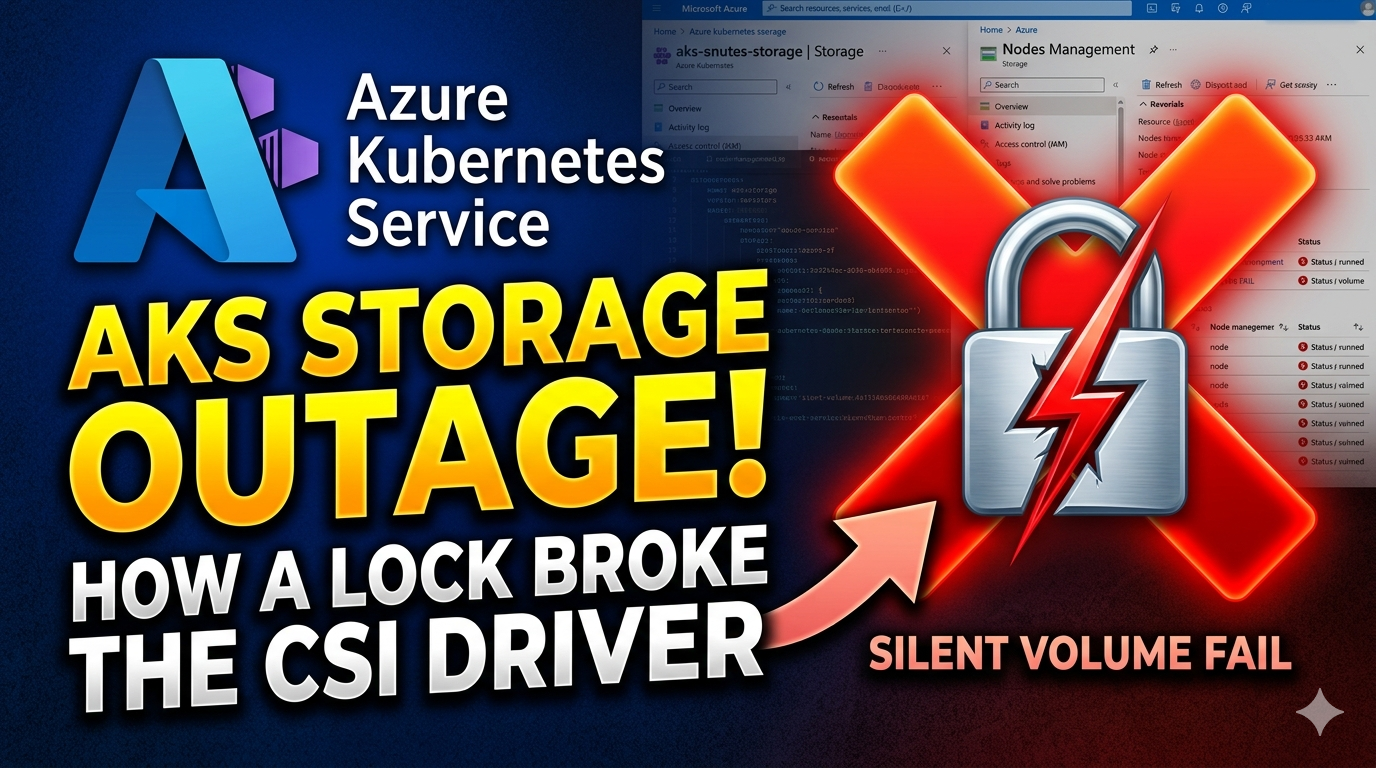

Resource locks in Azure are a great safety net — until you put them in the wrong place. This is the story of how a well-intentioned lock on AKS-managed Azure disks took down volume mounts during a routine update, and what we learned the hard way.
A Bit of Context
On our AKS platform we run a mix of Deployments and StatefulSets that rely on Persistent Volumes for storage. Under the hood, those PVs are Azure Managed Disks provisioned by the Azure Disk CSI driver through StorageClass, PersistentVolumeClaim, and PersistentVolume objects.
To protect against accidental — or intentional — deletion of important Azure resources, we make heavy use of resource locks (CanNotDelete) across the platform. Locks on databases, key vaults, networking — that’s all fine. The trouble started when the conversation turned to the AKS node resource group, the one Azure creates and manages on your behalf (the MC_* group).
The Decision That Set It Up
A few months back, the team decided to put CanNotDelete locks directly on the Azure Disks inside the AKS-managed (node) resource group. The reasoning sounded reasonable on the surface:
“If someone deletes a disk by mistake, we lose the data. Let’s lock the disks.”
Now, in AKS the typical pattern for dynamically-provisioned disks already has a safety net:
- The
StorageClassis configured withreclaimPolicy: Retain. - If a
PVCis deleted, the underlyingPVand the Azure disk are not deleted. - You can re-bind the PV to a new PVC if you need to recover the data.
So during the discussion my position was simple:
Don’t put resource locks on anything that lives inside the AKS-managed resource group. AKS’ control plane and CSI drivers need to create, update, detach, and sometimes move those resources. A lock turns every one of those operations into a potential outage.
The Azure portal even tells you this directly: when you try to add a lock to the node resource group (or anything inside it), you get a warning along the lines of “Adding locks to the AKS-managed resource group is not recommended.”
There was also a second argument in favour of the locks:
“Someone with
kubectlaccess can just runkubectl delete pvand the retained volume disappears from the cluster anyway. The lock protects us from that too.”
That sounds compelling at first, but it’s actually a different problem wearing the same costume. A few things to unpack:
- On our platform, we patch the default AKS StorageClass to
reclaimPolicy: Retain(the AKS-shippedmanaged-csi/managed-csi-premiumclasses default toDelete). WithRetain, deleting thePVobject does not delete the underlying Azure Managed Disk — the Kubernetes docs spell this out directly: “Delete the PersistentVolume. The associated storage asset in external infrastructure still exists after the PV is deleted.” (Kubernetes — Persistent Volumes, Retain reclaim policy) - So in our setup, a stray
kubectl delete pvremoves the Kubernetes object but leaves the Azure disk and its data in place. You can re-import it by creating a newPVthat points at the same disk URI. - The real risk being described isn’t “the disk gets deleted” — it’s “someone has more permissions on the cluster than they should”. That’s an RBAC problem, not a storage problem.
- Fixing it with an Azure resource lock is the wrong layer. You’re using an Azure control-plane safety net to compensate for a Kubernetes control-plane misconfiguration — and, as this incident showed, the side effects of doing that are worse than the thing you were trying to prevent.
Caveat: if you’re running with the AKS default
reclaimPolicy: Delete, thenkubectl delete pv(once the PVC is gone) will trigger the CSI driver to delete the underlying disk. The argument is only neutralized once you’ve explicitly switched the StorageClass toRetain, like we have.
The right fix for this concern is on the Kubernetes side:
- Lock down
persistentvolumes(a cluster-scoped resource) so only a small set of platform identities candeletethem. - Give app teams access to
persistentvolumeclaimsin their own namespaces, not to cluster-scoped PV objects. - Use Azure RBAC for Kubernetes Authorization and Microsoft Entra groups so cluster access is auditable and least-privilege.
- If you need a hard stop, add an admission policy (Gatekeeper / Kyverno / Validating Admission Policy) that denies
deleteonPersistentVolumeoutside an approved break-glass identity.
A minimal example of a ClusterRole that explicitly does not grant PV deletion:
apiVersion: rbac.authorization.k8s.io/v1
kind: ClusterRole
metadata:
  name: app-team-storage
rules:
  - apiGroups: [""]
    resources: ["persistentvolumeclaims"]
    verbs: ["get", "list", "watch", "create", "update", "patch", "delete"]
  - apiGroups: [""]
    resources: ["persistentvolumes"]
    verbs: ["get", "list", "watch"] # no delete, no patch
The decision went the other way. Locks went on the disks anyway.
The Day It Bit Us
Time passed. Things looked fine — until the team kicked off a regular cluster update.
During the update, AKS started doing what it normally does: cordon and drain nodes, reschedule pods, and let the Azure Disk CSI driver detach disks from the old node and attach them to the new one. That’s the bit that quietly broke.
Symptoms we saw:
- Pods backed by PVCs were stuck in
ContainerCreating. kubectl describe podshowedFailedAttachVolumeandFailedMountevents.- The CSI driver logs were full of errors trying to detach/attach the underlying managed disks.
- The Azure Activity Log on the node resource group was full of
Microsoft.Authorization/locksdenials against disk operations.
The root cause was exactly what the warning had told us: the resource locks blocked the CSI driver from performing detach/attach operations on the managed disks while workloads were being moved between nodes.
How We Recovered
There was no clever fix here — just the manual, slightly stressful version of “undo the locks”:
- Identify the locks. Go into the AKS node (managed) resource group and list all
CanNotDelete/ReadOnlylocks on the disks. - Remove the locks from the affected Azure Disks.
- Help the cluster catch up. Manually
kubectl drainthe impacted nodes again so the scheduler and CSI driver could retry detach/attach cleanly. - Verify that pods came back to
Runningand PVCs wereBoundagainst healthy PVs.
End to end, the recovery took roughly an hour — an hour of running workloads with degraded storage that we didn’t need to spend.
A simplified version of the cleanup commands looked like this:
# 1. Find locks in the AKS node resource group
az lock list \
  --resource-group MC_<cluster-rg>_<cluster-name>_<region> \
  -o table

# 2. Delete a specific lock on a disk
az lock delete \
  --name <lock-name> \
  --resource-group MC_<cluster-rg>_<cluster-name>_<region> \
  --resource <disk-name> \
  --resource-type Microsoft.Compute/disks

# 3. Help things along on the Kubernetes side
kubectl drain <node> --ignore-daemonsets --delete-emptydir-data
Once the locks were gone, the CSI driver caught up on its own and the volumes attached normally on the new nodes.
What We Should Have Done Instead
The good news is that Azure already offers a supported way to lock down the AKS node resource group without breaking the control plane: Node Resource Group Lockdown.
Reference: Deploy a fully managed resource group using node resource group lockdown in AKS
The idea is:
- AKS applies a deny assignment to the node resource group.
- Users (including cluster admins) can’t directly create, modify, or delete resources in that resource group.
- The AKS control plane and its first-party identities are still allowed to manage those resources.
That gives you the safety you actually wanted — humans can’t go in and delete a disk — without the side effect of also blocking the CSI driver, the cluster autoscaler, upgrades, and node pool operations.
The Lessons
A few things I’m taking away from this incident:
- Don’t put resource locks on anything inside the AKS-managed (node) resource group. That includes disks, NICs, NSGs, load balancers, public IPs, route tables — all of it. AKS needs to manage them.
- Trust the portal warnings. When Azure explicitly tells you a configuration is not recommended for AKS, that’s not boilerplate — it’s usually based on real failure modes like this one.
- Use
reclaimPolicy: Retainfor important PVs. It already protects you from accidental deletion via PVC removal, which is the most common “oops” scenario. - Solve “someone might
kubectl delete pv” with RBAC, not Azure locks. That’s a Kubernetes authorization problem and belongs in Kubernetes — through Azure RBAC for Kubernetes Authorization, scoped roles, and admission policies — not in Azure Resource Manager. - If you need stronger protection on the node resource group, use Node Resource Group Lockdown instead of hand-rolled locks.
- Test platform-wide changes against an upgrade. Things like locks, policies, and admission controllers often look fine at steady state and only fail during node drains, upgrades, or scaling events. Make sure your validation includes one of those.
Resource locks are a tool. Like any tool, they need to be used where they help — not where they fight the platform. On AKS, the rule is simple: lock around the cluster, not inside it.