

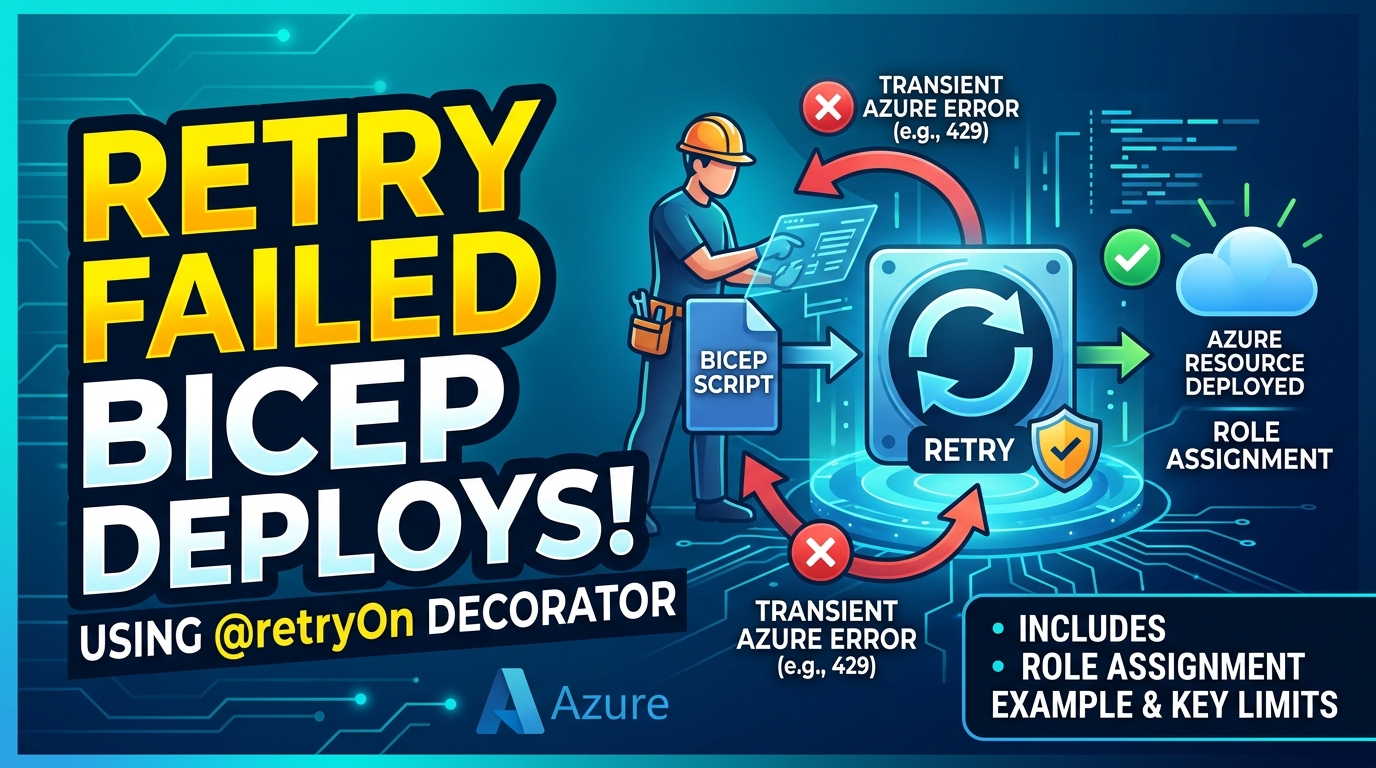

A Bicep deployment can fail even when its dependency graph is correct. For example, Azure may report that a newly created service principal cannot yet be found while directory changes are still propagating. The principal exists, but a dependent operation reaches a directory region before the change has propagated.
The @retryOn decorator lets you tell Azure Resource Manager (ARM) to retry a resource deployment when it returns specific error codes. It can handle a short-lived timing issue without adding a deployment script or splitting a template just to run the same operation later. For role assignments made immediately after creating a principal, Microsoft also recommends setting the correct principalType; retries are an additional way to handle the documented PrincipalNotFound replication-delay error.
What @retryOn does
Apply @retryOn directly to a resource and provide the exact error codes that should trigger another attempt:
param principalId string
param roleDefinitionId string

@retryOn(['PrincipalNotFound'], 10)
resource roleAssignment 'Microsoft.Authorization/roleAssignments@2022-04-01' = {
  name: guid(resourceGroup().id, principalId, roleDefinitionId)
  scope: resourceGroup()
  properties: {
    principalId: principalId
    principalType: 'ServicePrincipal'
    roleDefinitionId: roleDefinitionId
  }
}
Here, principalId is the object ID of a service principal and roleDefinitionId is the full resource ID of the role definition to assign. The assignment is scoped to the current resource group, and the guid() name is stable for that scope, principal, and role. Setting principalType to the principal’s actual type is a documented mitigation for this replication-delay scenario. If ARM still returns PrincipalNotFound, it can retry the role assignment up to 10 times after the initial attempt.
The retry count is optional and defaults to 30; the maximum is 30. The decorator exposes no setting for a custom delay or backoff. Use the exact error code returned by the failing resource operation. @retryOn does not retry every failure, and a code should only be included when another attempt could reasonably succeed.
When it helps
This is useful for errors caused by eventual consistency or a short-lived dependency delay. A Bicep dependency ensures that one deployment operation follows another, but it cannot guarantee that every Azure service or directory has finished propagating the change when the next operation starts.
With @retryOn, the dependency can stay in the same deployment and ARM handles the retry for the decorated resource. You don’t need to add a script that polls for readiness or create multiple deployment stages solely to wait and try again.
Use with loops and batches
@retryOn works with resource loops. If the loop also uses @batchSize, the retry behavior applies to each batch:
param location string
param addressPrefix string

@retryOn(['ResourceNotFound'], 10)
@batchSize(2)
resource vwanHub 'Microsoft.Network/virtualHubs@2024-01-01' = [for i in range(0, 4): {
  name: 'vwan-hub-${i}'
  location: location
  properties: {
    addressPrefix: addressPrefix
  }
}]
Choose an error code that can be transient for this particular resource operation; a code that is transient for one provider or dependency might indicate a permanent problem elsewhere.
What it does not fix
Retries are not a substitute for correcting a permanent deployment error. A genuinely nonexistent principal, invalid role definition, insufficient authorization, or malformed resource configuration will not become valid just because ARM repeats the operation. Check the failed resource operation’s error code and details, not only an outer deployment error such as DeploymentFailed, and keep the retry count bounded.
The decorator also doesn’t replace Bicep’s dependency relationships. Declare or reference the resources your deployment depends on as usual; @retryOn only handles matching errors for the resource to which it is applied. Check the Microsoft documentation for details on using it with resource loops and batch deployments.
Bicep and ARM version history
The feature depends on both the Bicep compiler and ARM accepting the generated template. In May 2026, Bicep 0.43.1 emitted template language version 2.0 for templates using RetryOn, which ARM rejected at the time. Bicep 0.43.8 restored the experimental feature flag as a temporary workaround while backend support was being rolled out. The Bicep project removed the experimental gate in July 2026; as of Bicep 0.48.1, released October 5, @retryOn no longer requires that flag. Treat the 0.43.1 issue as a historical version-specific regression, not a current blanket limitation. If your pipeline pins an older compiler, check the relevant Bicep release notes and test deployment with the versions and target environment you actually use. The issue, 0.43.8 release notes, and change removing the experimental gate document the timeline.
Takeaway
@retryOn gives a Bicep resource a focused retry policy for known, recoverable ARM errors. It can simplify deployments affected by propagation delays, but it should be limited to specific transient error codes and tested with the Bicep and ARM versions used by your deployment pipeline.